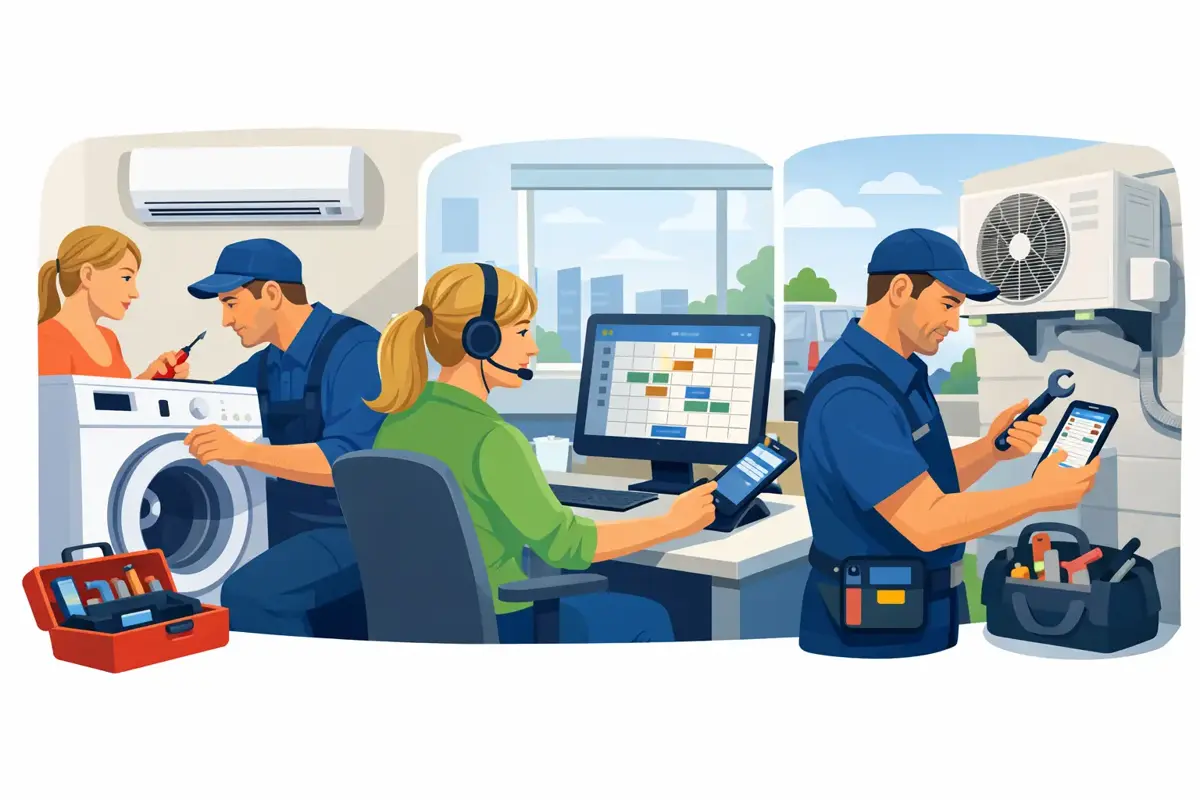
One job in a notebook, another in Excel, a third on Viber — how to bring order without overcomplication and lost information. In most service businesses, chaos does not arise because people do not work — it arises because information travels the wrong way. One job is in a notebook, another in Excel, a third in a Viber message, and a fourth is still «in the dispatcher's head».
If you are thinking about how to manage service work orders digitally, the right question is not «paper or screen», but: do you always know who reported the fault, where the technician is, whether the job is finished and whether it has been invoiced.
Why service jobs «break» in practice
The problem is not a lack of effort — the problem is manual steps.
Admin takes the call and writes the data somewhere on the side. The technician gets a message. On site, the paper job is filled in. In the evening someone retypes into Excel. The invoice is created when everyone remembers what was done.
At every step something can go wrong:
- wrong address
- forgotten appointment
- unrecorded part
- unclear status
When the number of jobs grows, improvisation no longer holds. Duplicate calls, empty miles and delayed billing begin.
Going digital makes no sense if you only move paper to a computer. You need one workflow — without retyping and verbal agreements.
How to manage service work orders digitally — step by step
Intake
As soon as the customer reports a problem, open the job in one system: customer, address, device, fault description, priority, appointment. Enter it immediately — later you will not hunt for data in messages.
Assignment
The job should not «wait until someone sees it». Dispatch immediately sees who is free, in which zone and what is urgent — and assigns the work to the right technician.
Field work
The technician on the phone sees the address, contact, device history and notes — without calling the office. If something changes, status or a photo goes into the job immediately, not in the evening.
Close-out and billing
Material, labour, customer signature and status «done» are entered the same day. If it waits until tomorrow, data is lost and billing is delayed.
What a good digital job must contain
An electronic form without data does not help. The job must be an operational document with clear data.
Keep statuses simple, e.g.:
reported → scheduled → on site → in workshop → waiting for part → done → invoiced
Too few statuses — you lose overview. Too many — people skip them.
Mistakes when switching to digital
- If messages still bypass the system, you have solved nothing
- Overcomplicated start — first: opening, assignment, status, closing. The rest later
- Nobody is responsible — someone holds the schedule, someone data quality, someone billing
- Without mobile access — data is created in the field; if the technician cannot enter from the phone, the system does not work
What you get in the end
- Fewer lost jobs — every missed job = lost revenue
- Better scheduling — fewer empty miles, more completed interventions
- Faster billing — no waiting for paper from the field
- Clearer picture of the business — how many jobs arrive, where delays occur, who is most productive
How to choose a tool
Do not choose by the number of features on a presentation but by what it offers:
- Does the technician see the job on the phone?
- Does dispatch see the schedule in one place?
- Can status be changed in two clicks?
- Does billing follow immediately after completion?
If the team really uses it every day, the system works. If not — you have a problem.
Conclusion
The goal is not to work «more modern», but for every job to follow the path: intake → field → completion → billing → analytics — without chasing information.
SpinTasker is software for service businesses:
- service work orders
- field team
- statuses
- customer history in one place — without unnecessary chaos
Register free and try it for 30 days.