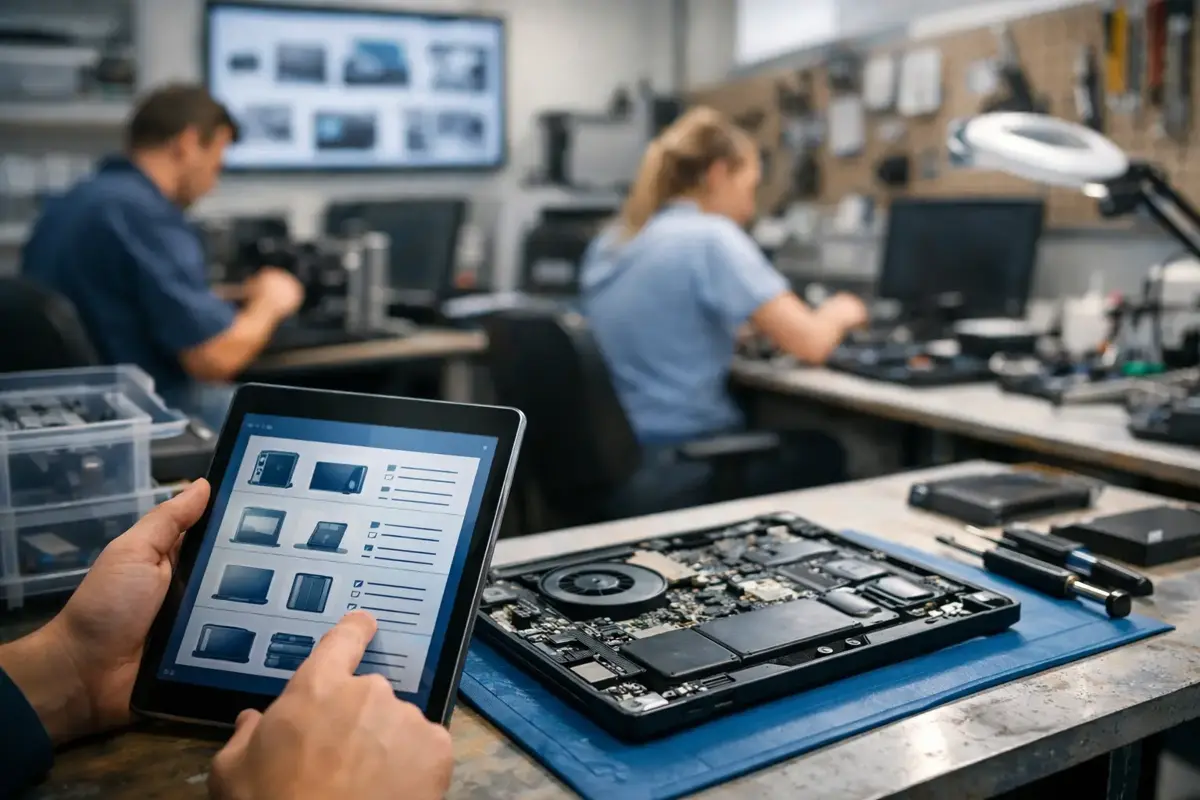
A customer claims the machine was already repaired six months ago. They ask what was replaced then and whether the part was under warranty. You start digging through paper, old messages and Excel spreadsheets. The technician is in the field, does not answer immediately, and the customer waits for a response. That is when you see best that device service history records are not a minor thing — they are the foundation for service that runs calmly and profitably.
When service history does not exist in one place, every next visit is slower, more expensive and riskier. Time is lost on retyping. Errors repeat. The office guesses, the technician remembers from memory, and the customer gets the impression you do not have control. It is not just an organization problem. The problem is that without a clear trail of previous interventions you lose control of the business.
Why device service history matters so much
In field service everything happens fast. Today it is an AC unit in an apartment, tomorrow a boiler at a business, the day after you are back at the same customer for a new fault. If you do not know what was done last time, who was on site and which part was installed, you are going into the job blind.
This most often shows up in three situations. The first is a complaint. The customer claims one thing, the technician remembers another, and the paperwork is not with you. The second is a repeated fault. If you do not know the history, you will easily replace the same part again and lose time. The third is billing. When there is no clear record of what was done, it is harder to explain the invoice and even harder to close the job without an argument.
Good records are not just so you "have an archive". They help every next intervention go faster. A new technician immediately sees what the device has been through. The dispatcher does not have to call three people to piece together the story. The business owner gets an overview without running around the office and through paperwork.
Where the system most often breaks down
Most small service businesses do not fail because someone does not know the job. The system breaks because the way of working grew, but the tool stayed the same. When you have a few jobs a day, paper and phone somehow work. When things get busy, return visits and more technicians in the field, the problem appears.
Paper gets lost or stays in the van. Excel is not up to date because it is not filled in by whoever was at the customer, but someone later. Viber messages have half the information, and the other half is said on the phone in passing. After a month nobody is sure what was exactly done.
A special problem appears when service history depends on one person. Some companies have a situation where "only Peter knows" what happened at that customer. While Peter is there, everything more or less works. When he is in the field, on vacation or leaves the company, there is a gap. Work must not depend on someone's memory.
That is why device service history should be tied to the device and customer, not to a notebook, phone or one technician. Only then do you get continuity.
What should actually be in service history
The point is not to collect a pile of data nobody will use. The point is to record what helps the work continue tomorrow without guessing.
For each device it is enough to have a clear trail: when the fault was reported, who went to the site, what was found, what was done, which part was replaced, whether the job was completed or needs follow-up, and what the billing outcome was. A photo is even better. A note like "device is 12 years old" or "installation is problematic" can save an entire unnecessary visit.
It is also important that history is readable. If a record says only "fixed" or "replaced", that will not mean much tomorrow. But if it says "replaced capacitor, device tested 20 min, recommended further inspection of installation", then the next person knows where things stand.
Many services make a small but costly mistake here. They write something so it "is not blank", instead of writing what they will actually use. Less text, but more precise, is always better than long and vague descriptions.
How to bring order without a big turnaround
The biggest resistance usually is not price or technology. It is the fear that introducing order will slow down people already rushing from one end of the city to the other. That is a real fear. If the system requires too much clicking and retyping, people will not use it.
That is why introduction should be practical. First decide what is the minimum that must exist after every intervention. For example: job status, brief work description, installed part and photo if needed. Once that becomes habit, you easily add the rest.
Second, everything should be entered where the work happens. Not in the evening, not tomorrow, not when the technician returns. If you wait until end of day, data is forgotten or shortened to nonsense. A good system works so the technician closes the job right on the phone and leaves a trail the office sees instantly.
Third, history must be linked to the customer and device record. When a customer calls, you should not dig through old jobs to connect the story. You should open one record and see all previous interventions. That is where small companies gain most — fewer calls between office and field, fewer trips back, less wasted travel.
If you work with paper, calendar and Viber today, the switch does not have to be painful. Start with new jobs. You do not have to move the entire archive from previous years right away. It is enough that from today every new visit leaves a clear digital trail. In a month or two you already have usable history that changes how you work.
That is where tools like SpinTasker fit naturally, because they solve exactly that everyday chaos — work order, status in the field and customer history in one place, without copying from three sources.
Quick check: does your service history actually do its job
You can do this check in five minutes. If you answer "no" or "it depends" to several questions, the problem is bigger than it seems.
| Question | If the answer is no, the consequence |
|---|---|
| Can you see what was done on the device last time in 30 seconds? | Time is lost and the customer waits |
| Does the office see job status without calling the technician? | Interruptions and duplicate calls happen |
| Is it clear which part was installed and when? | Harder to handle complaints |
| Can a new technician continue the job without a colleague explaining? | Work depends on one person |
| Do you have proof the job is finished and ready for billing? | Invoicing and payment are delayed |
| Is data in one place, not across messages and notebooks? | History falls apart across multiple channels |
This table is not theory. These are everyday points where service either runs smoothly or gets stuck. When you fix device history, you do not just get tidier records. You get fewer arguments with customers, less reliance on memory and a clearer flow from report to payment.
What changes when history exists
First, unnecessary calls decrease. The office does not call the technician to ask what happened at the customer last time. The technician does not call a colleague to check which part was replaced earlier. The customer gets an answer faster, and you leave the impression of a serious service business.
Then comes better job distribution. When device history is available, it does not matter that the same person goes every time to the same customer. That is especially important in season, when it is busy and work is split based on team availability.
The third thing is billing. When you have a clear record of what was done, the job closes more easily. No dragging it out, no "send me again what you replaced", no hunting for a photo of paperwork that stayed in the vehicle. Everything goes faster, and that directly affects money.
And perhaps most importantly — the business owner finally gets an overview. They do not have to be on the phone all day to know what is happening. That does not mean less control. Quite the opposite. It means more control, with less stress.
If you often find yourself searching for old interventions, retelling the customer what might have been done, or waiting for someone to send a photo of a job sheet, the problem is not the people — it is the system. Device service history records should be simple and immediately usable, not another obligation. Sometimes it is enough that one job is finally recorded properly, and you see how much easier it is already the next day. You can search the entire history by different criteria (invoice, device, warranty, etc.), and you can read more about the analytics itself in tutorial number () or in the blog article ().